
Office printing rarely receives much attention until something goes wrong. A printer stops working before an important meeting, replacement cartridges run out unexpectedly, or employees spend valuable time waiting for documents.
For small businesses, these interruptions can create expenses that are easy to overlook. Although purchasing a printer may seem like a straightforward decision, the actual cost of office printing extends beyond the equipment’s price tag.
Understanding these hidden costs can help business owners make informed decisions, improve daily operations, and avoid unnecessary spending.
The Purchase Price Is Only the Beginning
One common mistake businesses make is focusing primarily on the initial cost of a printer. While an affordable device may seem attractive, its ongoing expenses can change the overall picture.
Printing costs typically involve several factors:
- Ink and toner: Replacement supplies can become a substantial recurring expense, depending on print volume and cartridge yield.
- Paper consumption: Unnecessary printing, abandoned documents, and formatting errors increase paper usage.
- Maintenance: Repairs, replacement components, and routine servicing add to equipment ownership costs.
- Energy consumption: Devices use electricity during operation and may continue consuming power while idle.
- Employee time: Troubleshooting, waiting for documents, and handling printing errors can interrupt productive work.
A more practical approach is to evaluate the total cost of ownership rather than choosing equipment based on its initial price.
Businesses can begin by reviewing monthly printing expenses and estimating how these costs might change as their operations grow.
How Inefficient Printing Affects Employee Productivity
Printing problems do more than increase supply expenses. They can also interrupt workflows and create avoidable delays.
Consider an office where employees regularly print contracts, invoices, reports, and customer documents. If the printer frequently jams, processes large files slowly, or requires repeated troubleshooting, routine tasks can take longer than necessary.
These interruptions may seem insignificant individually. However, recurring printing problems can make daily operations less predictable.
Document handling can create additional inefficiencies when employees must switch between multiple devices to print, scan, and copy materials.
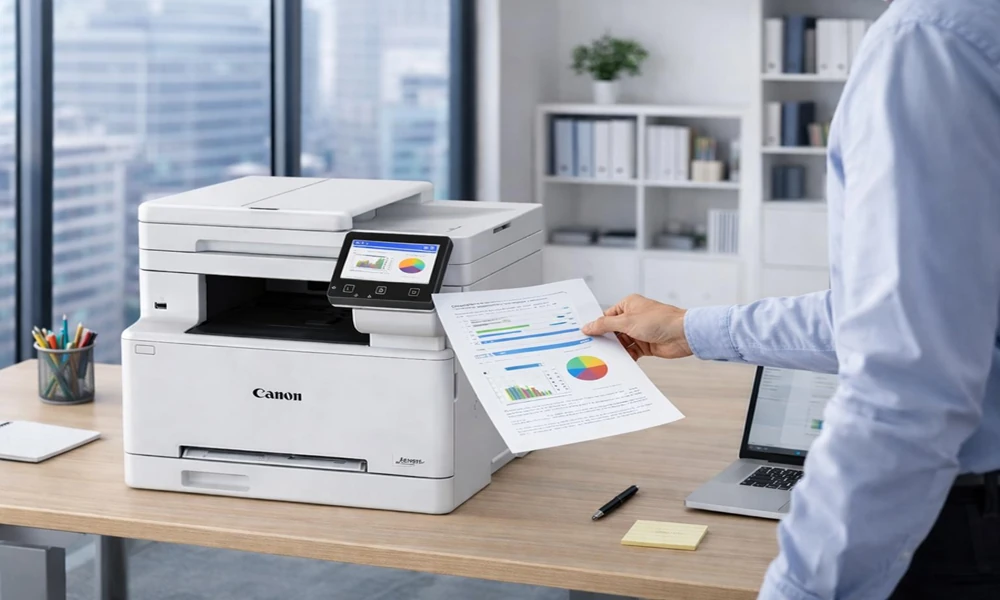
Multifunction printers can simplify these workflows by combining several document-related functions in one device. Depending on the equipment and software configuration, they may also support digital scanning, document routing, and secure printing.
Businesses should evaluate how employees actually use their printing equipment before deciding whether their existing setup is appropriate.
Choosing Equipment Based on Actual Workload
Not every business requires the same printing capabilities. A small consulting office may print occasional contracts and presentations, while a busy accounting firm may process substantial volumes of financial documents.
Choosing equipment without understanding these differences can lead to unnecessary spending or performance limitations.
When evaluating printers for small businesses, decision-makers should consider monthly print volume, document types, scanning requirements, available office space, and ongoing maintenance needs rather than focusing only on purchase price.
A few practical questions can help guide the process:
- How many pages does the business print during a typical month?
- Is color printing essential, or would monochrome printing meet most needs?
- Do employees frequently scan or copy multi-page documents?
- Will several team members share one device?
- Are secure printing features necessary for confidential information?
- How easily can the equipment accommodate changes in workload?
Answering these questions helps businesses identify equipment that matches their operational needs.
The goal is not necessarily to purchase the most advanced printer. It is to choose a dependable solution that supports everyday tasks without introducing unnecessary complexity or expense.
Maintenance and Downtime Can Create Unexpected Expenses
Printer maintenance is often overlooked until equipment fails.
An unexpected breakdown can be particularly disruptive when employees rely on one shared device for essential documents. Repair expenses may be only part of the problem; businesses must also consider the operational inconvenience of delayed work.
Preventive maintenance can help reduce avoidable equipment problems. This may include keeping devices clean, following manufacturer recommendations, replacing worn components when needed, and using compatible supplies.
Businesses should also consider service arrangements when purchasing or leasing equipment.
Questions worth asking include whether technical support is available, how replacement parts are handled, and what maintenance responsibilities are included in an agreement.
For workplaces where document printing is essential, dependable service and access to support may be just as important as equipment specifications.
Reducing Printing Waste Without Disrupting Workflows
Another overlooked expense is unnecessary printing.
Employees may print documents that could remain digital, produce multiple drafts unnecessarily, or use color settings when black-and-white output would be sufficient.
Reducing this waste does not require eliminating printing entirely. Instead, businesses can establish reasonable practices that encourage more intentional use of office equipment.
For example, defaulting to double-sided printing can reduce paper consumption when appropriate. Print-preview settings can help employees catch formatting errors before producing documents.
Digital document-sharing tools may also reduce the need for physical copies, particularly for internal reviews and routine communication.
Businesses with shared printers can benefit from reviewing usage patterns to identify avoidable expenses or recurring inefficiencies.
The most effective approach balances cost control with employee needs. Printing restrictions that interfere with essential tasks may create more problems than they solve.
Conclusion
Office printing costs extend beyond paper, toner, and equipment purchases. Maintenance requirements, inefficient workflows, unnecessary printing, and unexpected downtime can all affect a small business’s operating expenses.
By understanding these factors, business owners can make more thoughtful equipment decisions and develop practical printing habits.
Reviewing actual workloads, evaluating long-term costs, maintaining equipment properly, and reducing unnecessary waste can help create a more reliable printing environment.
The objective is simple: ensure that office printing supports daily operations instead of becoming a recurring source of expense and frustration.